
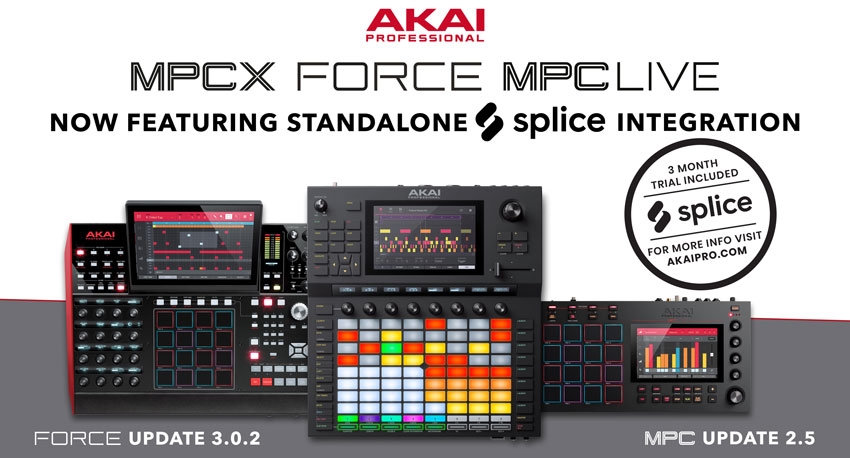
From the 4th of April 2019 until the 4th of July new and existing users of Akai’s Force, MPC Live, and MPC X will now receive a full 3-month trial to Splice which provides you with access to over 2 million samples, one-shots, loops, FX, and pre-sets.
The Splice membership allows you to discover a whole new world of industry-leading, in demand samples that are directly available at your fingertips thanks to the seamless integration between MPC Live, MPC X, and the Force. This update provides music producers, live performances, and DJs with immediate Wi-Fi access to their own Splice sample library directly from the touch interface; this is ideal for ultra-fast auditioning of your samples and loops for use with MPC and Force projects.
Ultimately, this lets you simplify sample browsing and auditioning with on-board Splice integration that fuels creativity with millions of high-quality, royalty-free samples, sounds, loops, and presets that cover almost every music genre.
The Force update includes a wealth of exciting functionalities that make creating music a more fluid experience. To download this update, follow this link (https://www.akaipro.com/force-forcexus) and click on downloads; you can then download the update which will automatically upload itself to the Force controller.
The Force 3.0.2 update now features seamless integration with Splice, a royalty-free sample and sound library that let you download high-quality samples, loops, and kits for creating exceptional music. Splice offers millions of presets, one-shots, and loops that cover nearly every musical style and genre. With the 3.0.2 update, you can now download and browse your Splice sample collection directly from the Force standalone unit.
Before you start, you must ensure that your Force is connected to your network, and that you have access to your web browser. On the Force, press shift + menu to enter the preferences, and then navigate to the Splice tab, and tap ‘Get Login Code’. Now you can follow the on-screen instructions to pair the Force to your Splice account. Once you’re all paired up, use the ‘Sync Files’ buttons to download your Splice samples directly to the Force via Wi-Fi or an Ethernet connection.
To browse your Splice samples, press the load button and enter browse mode, you can then navigate to the content tab and press the Splice shortcut to view all of the samples you’ve downloaded from your Splice account. The right-handed browser panel shows your Splice samples, which are organised into a series of top-level folders, so you can quickly browse your sample library by BPM, instrument, key, pack, or tag.
In the Force browser, you can now audition samples and loops which feature embedded tempo sync with your project tempo. Simply press load to go to the browser and then press the F-Key with a speaker icon to enter the audition settings. When warp is turned on, samples with embedded tempos will be auditioned at the project’s tempo. When the sync button is ON, and the Force is in playback mode, the samples and loops will be previewed on the next bar.
Additional updates for the Force provide you with stability and reliability. The track mode knobs OLEDs are no longer blank when you’ve first installed a default plug-in track. Sample and editing have been made more accessible, and the control surface/TUI no longer locks up when processing deleted samples. A brand new AIR Channel Strip will now instantiate the correct values for compressor threshold, while a MIDI program change off setting has been added. Additionally, a MIDI track’s program change value is now saved with projects.

Share This Article